
You must switch to a Professional Account (either "Creator" or "Business"). Both types work perfectly with our tool.
How to switch your account type:
1. Open the Instagram App on your mobile device.
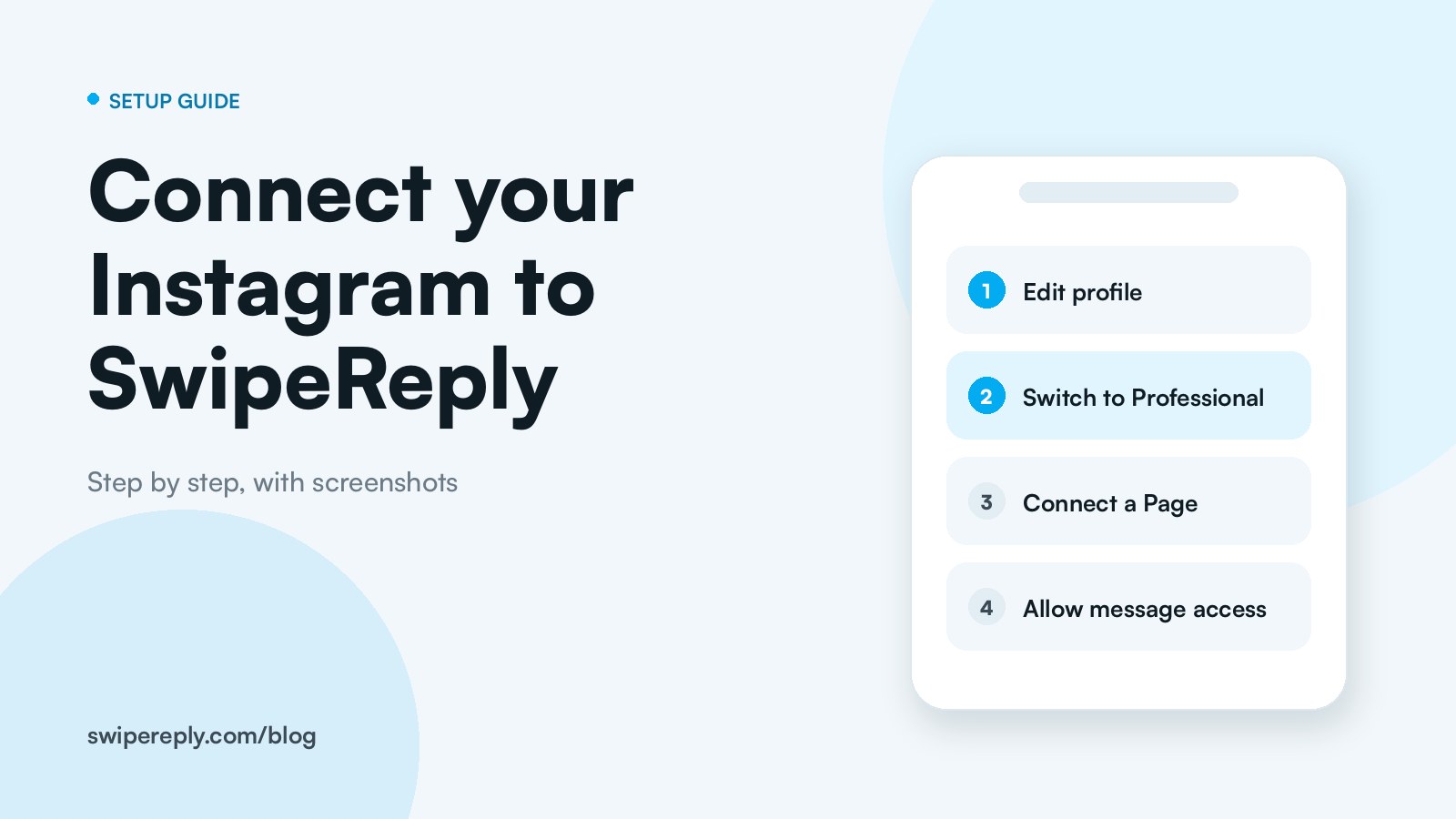
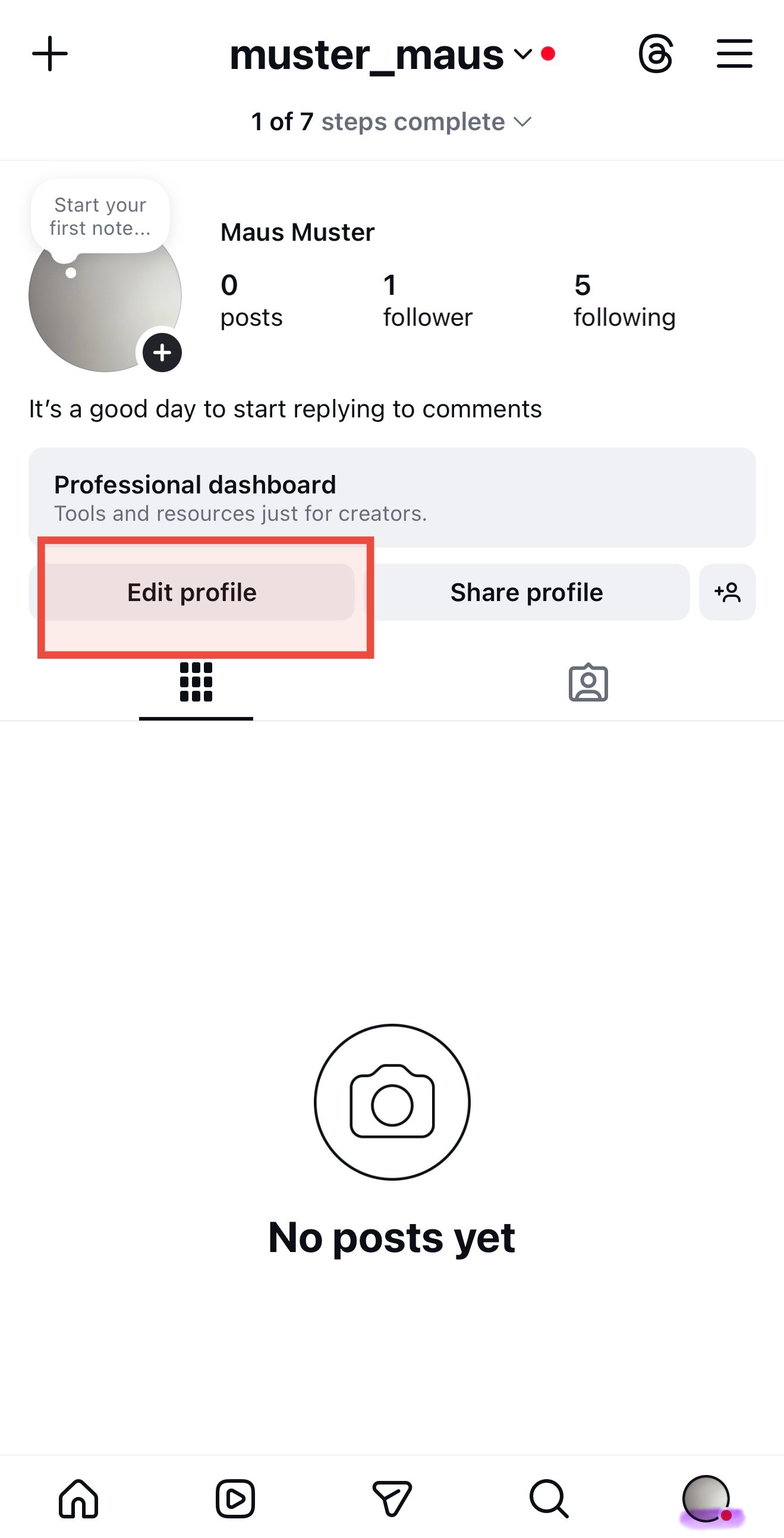
2. Go to your profile and tap "Edit Profile".
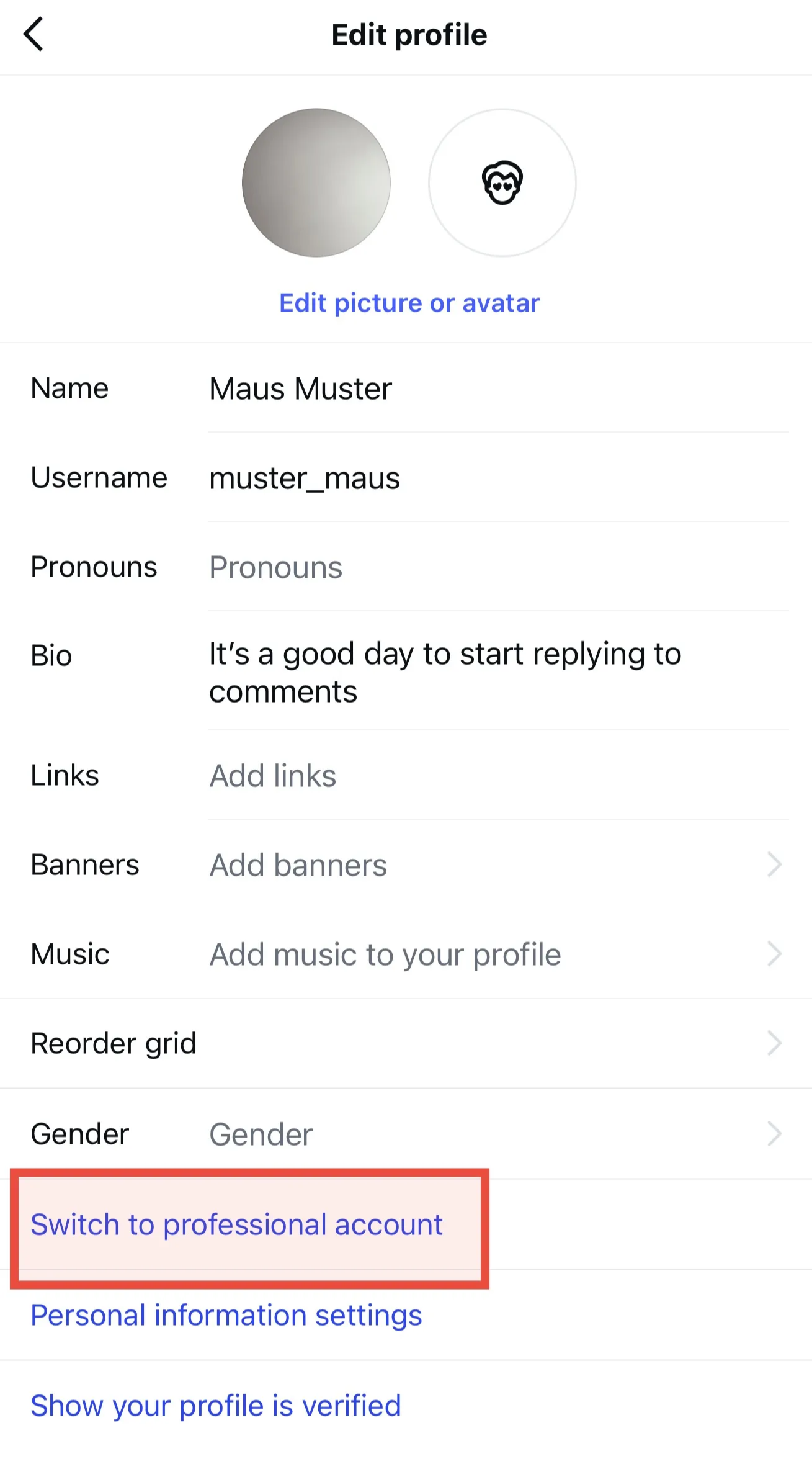
3. Tap on "Switch to Professional Account" (usually highlighted in blue).
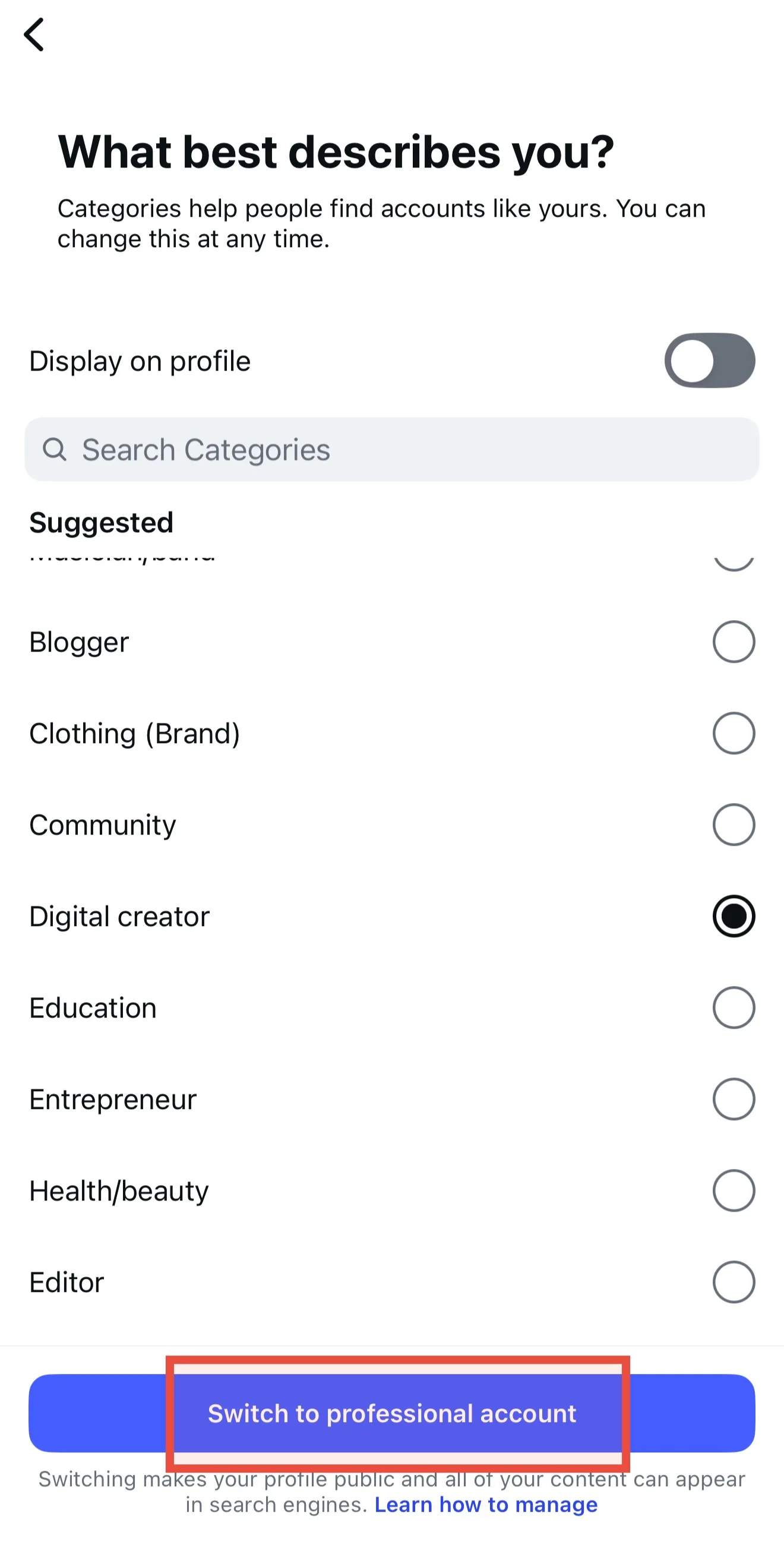
4. Follow the setup flow:
- Select a category that describes you or your business.
- Choose between "Creator" (best for individuals, influencers, and content creators) or "Business" (best for retailers, local businesses, or brands).
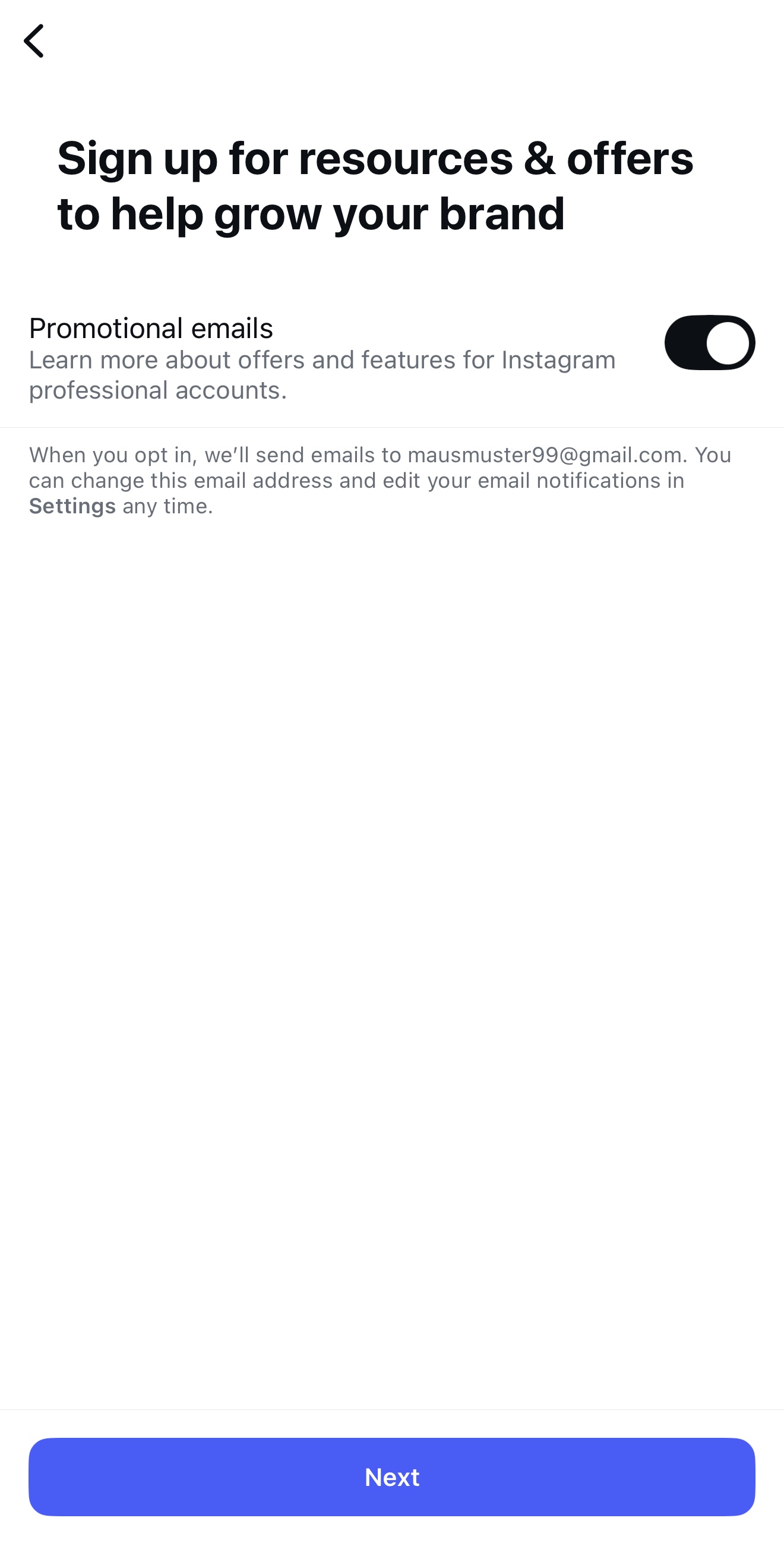
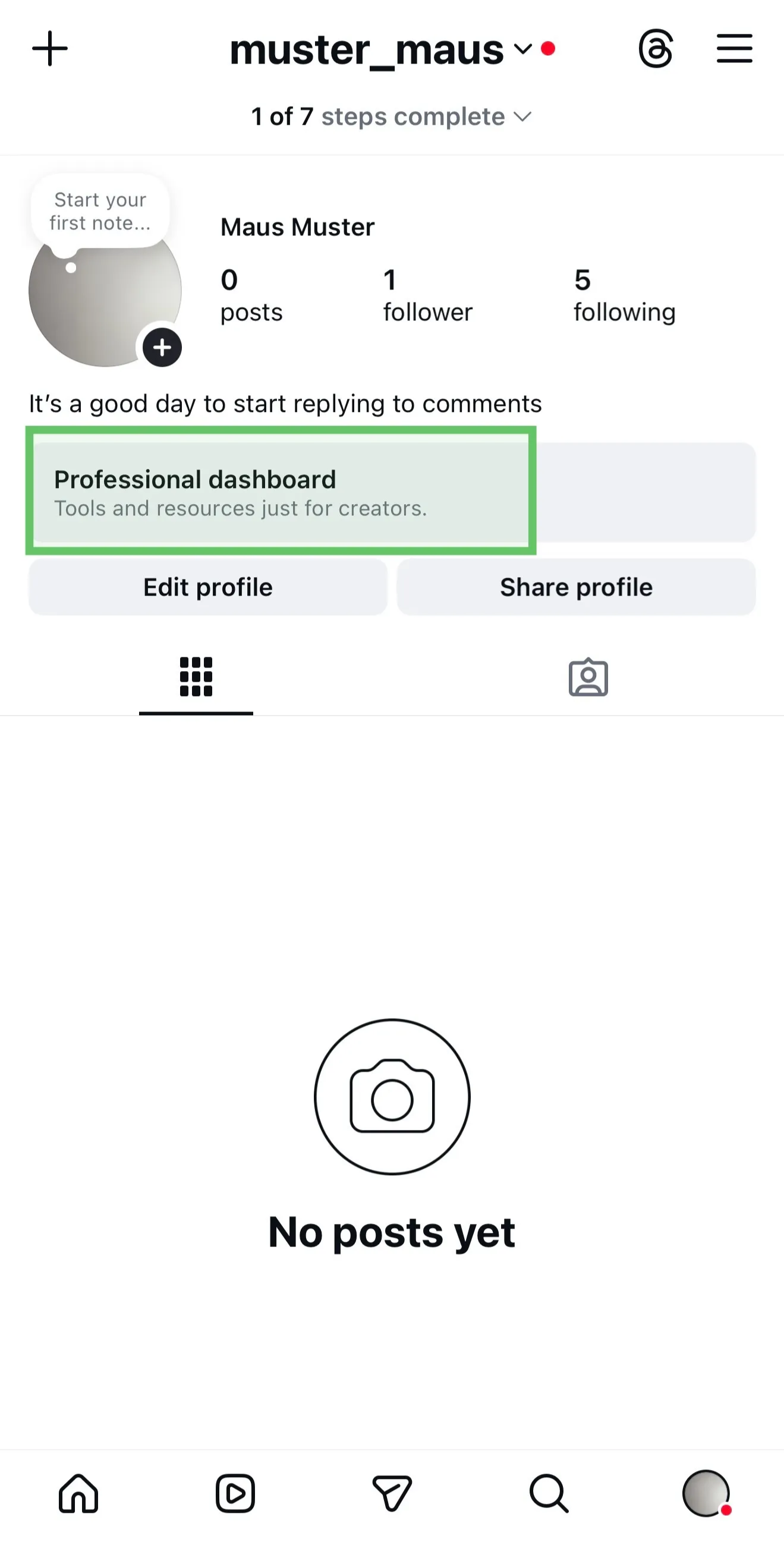
5. Complete the setup and if you see this “Professional dashboard” field, then your setup worked.
Good to know: It doesn't matter which professional type you choose; SwipeReply is fully compatible with both "Creator" and "Business" profiles.