
You will need a personal Facebook account to manage a Page. If you don't have one, please create a Facebook account first. Once you have your account ready:
1. Open the Instagram App on your mobile device.
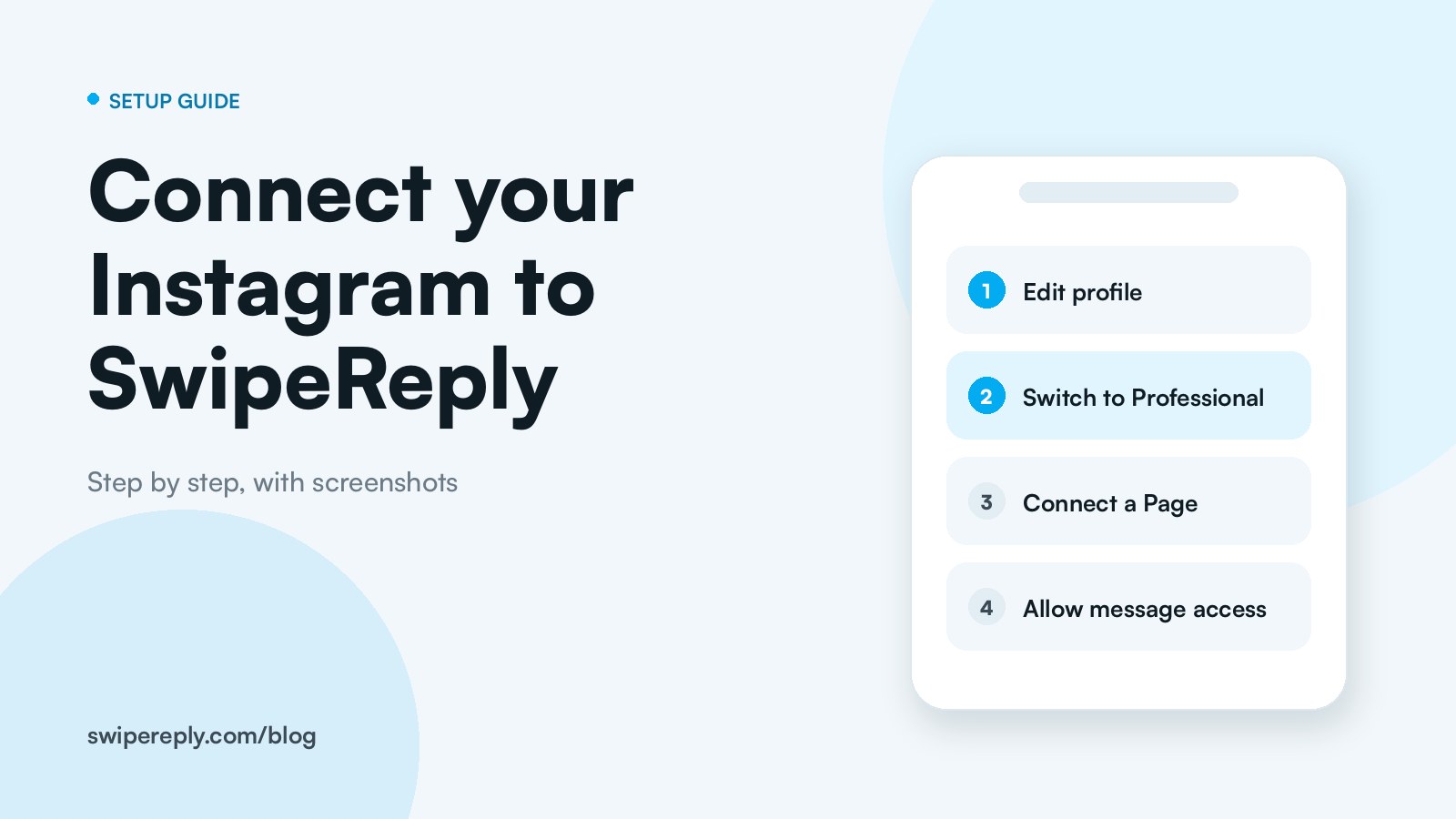
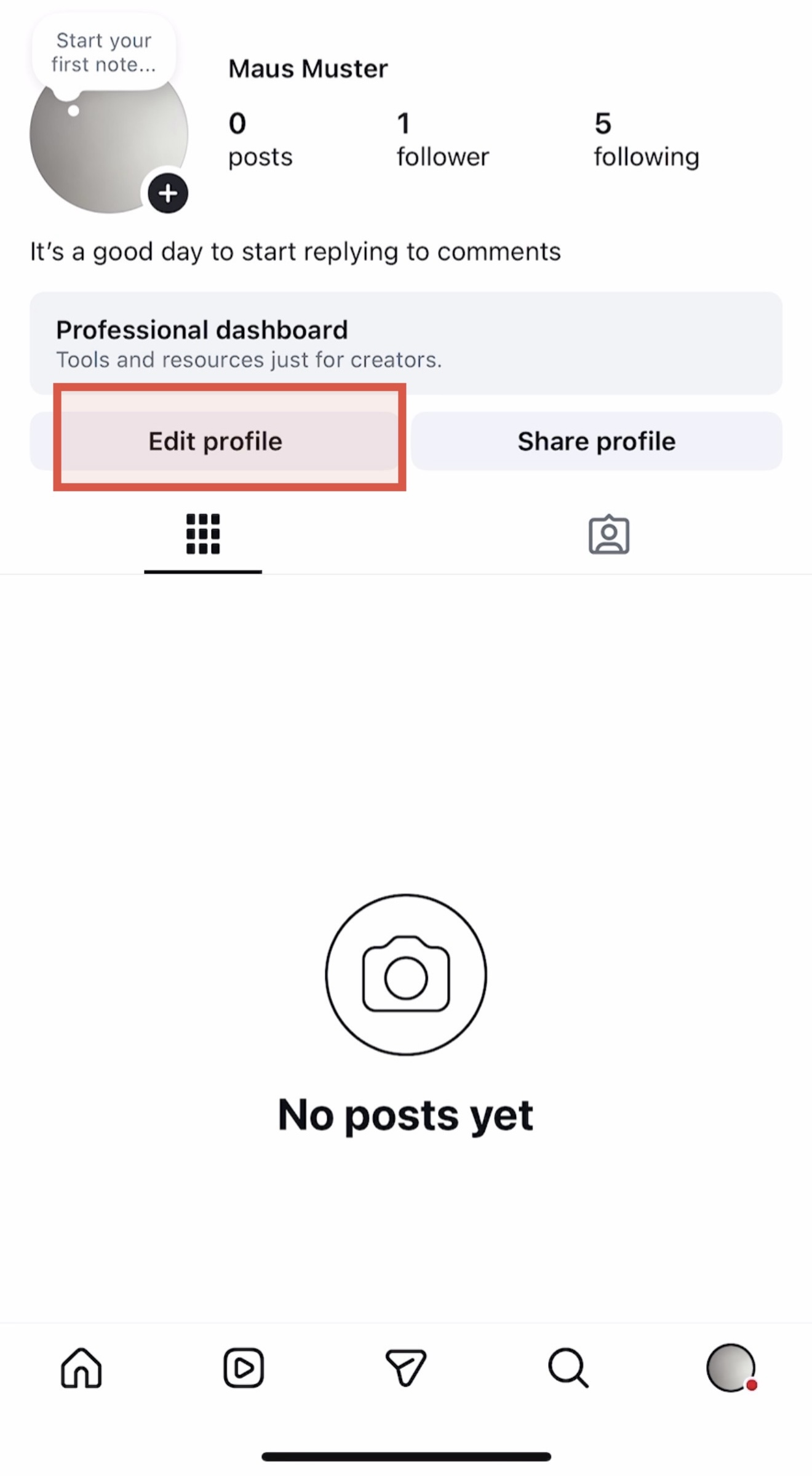
2. Go to your profile and tap "Edit Profile".
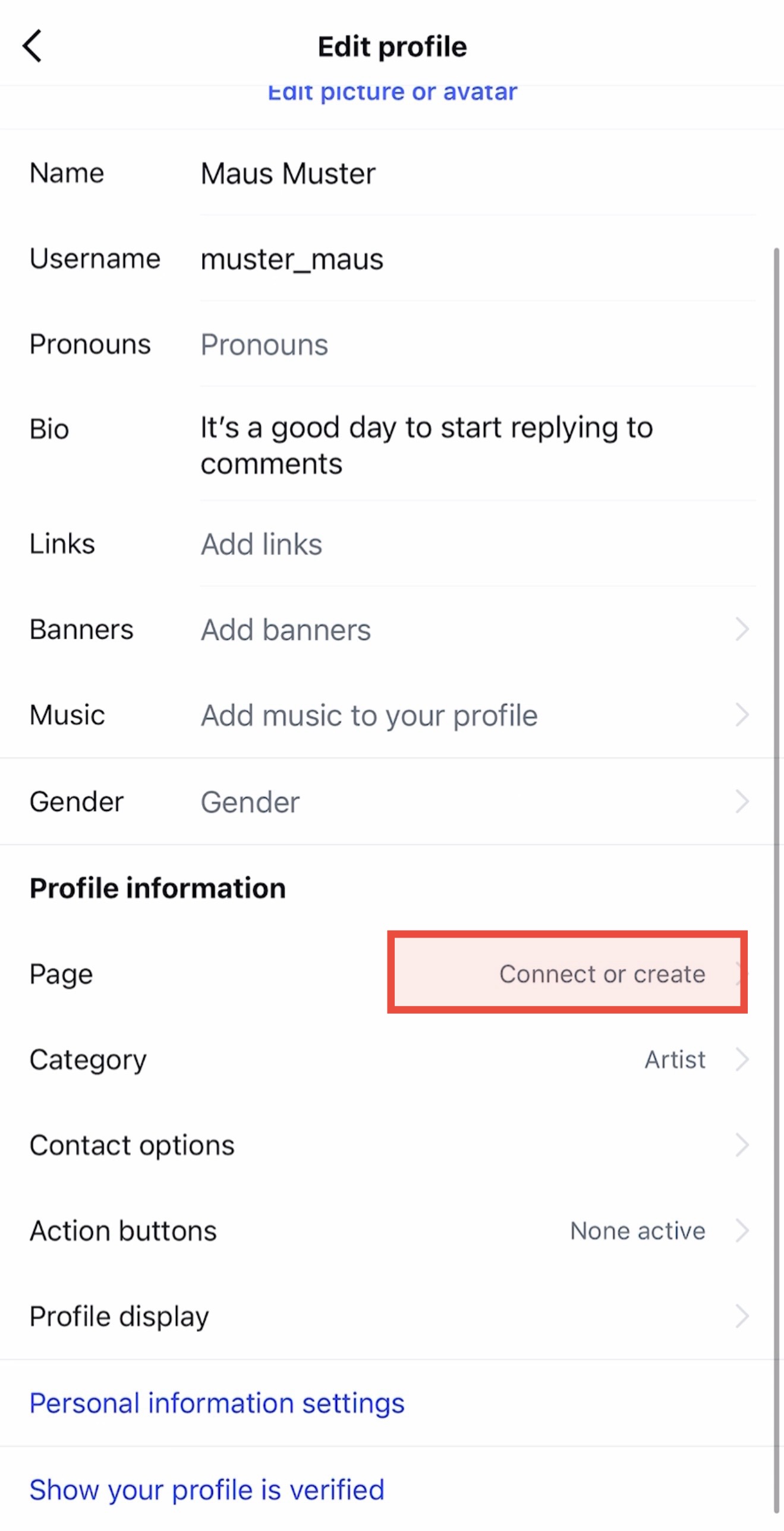
3. Under "Profile information", next to “Page” tap on “Connect or create".
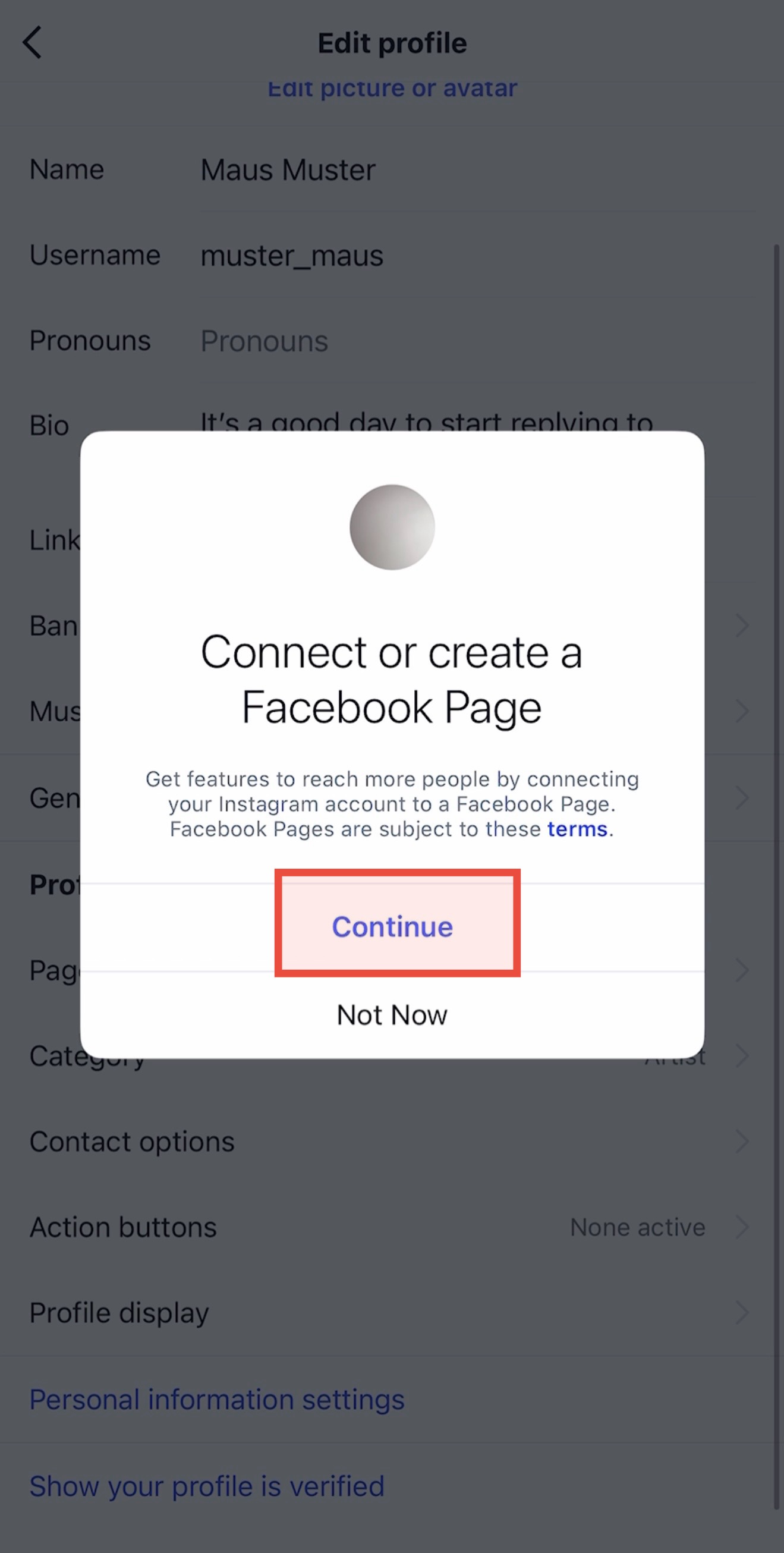
4. Tap "Continue".
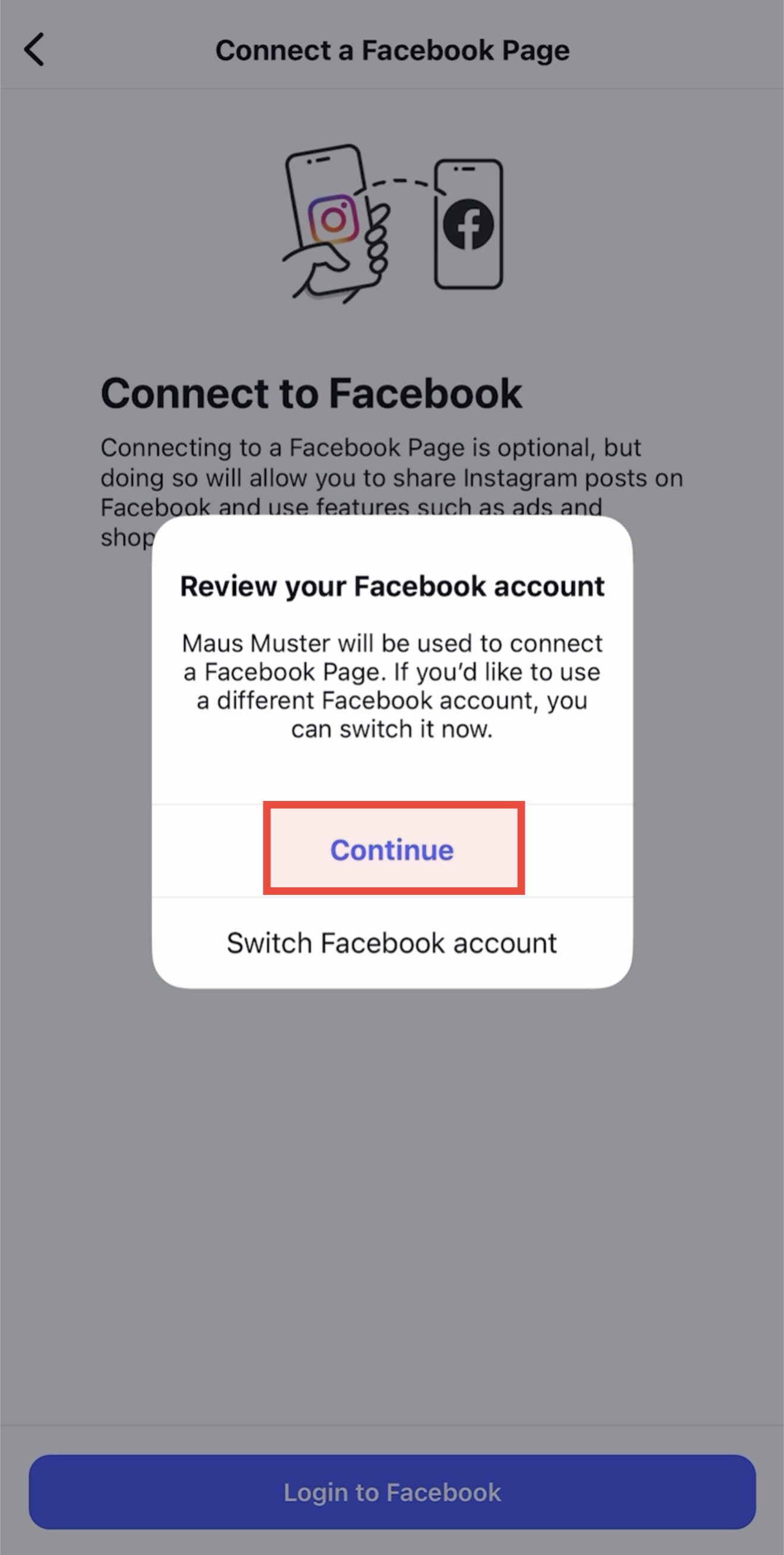
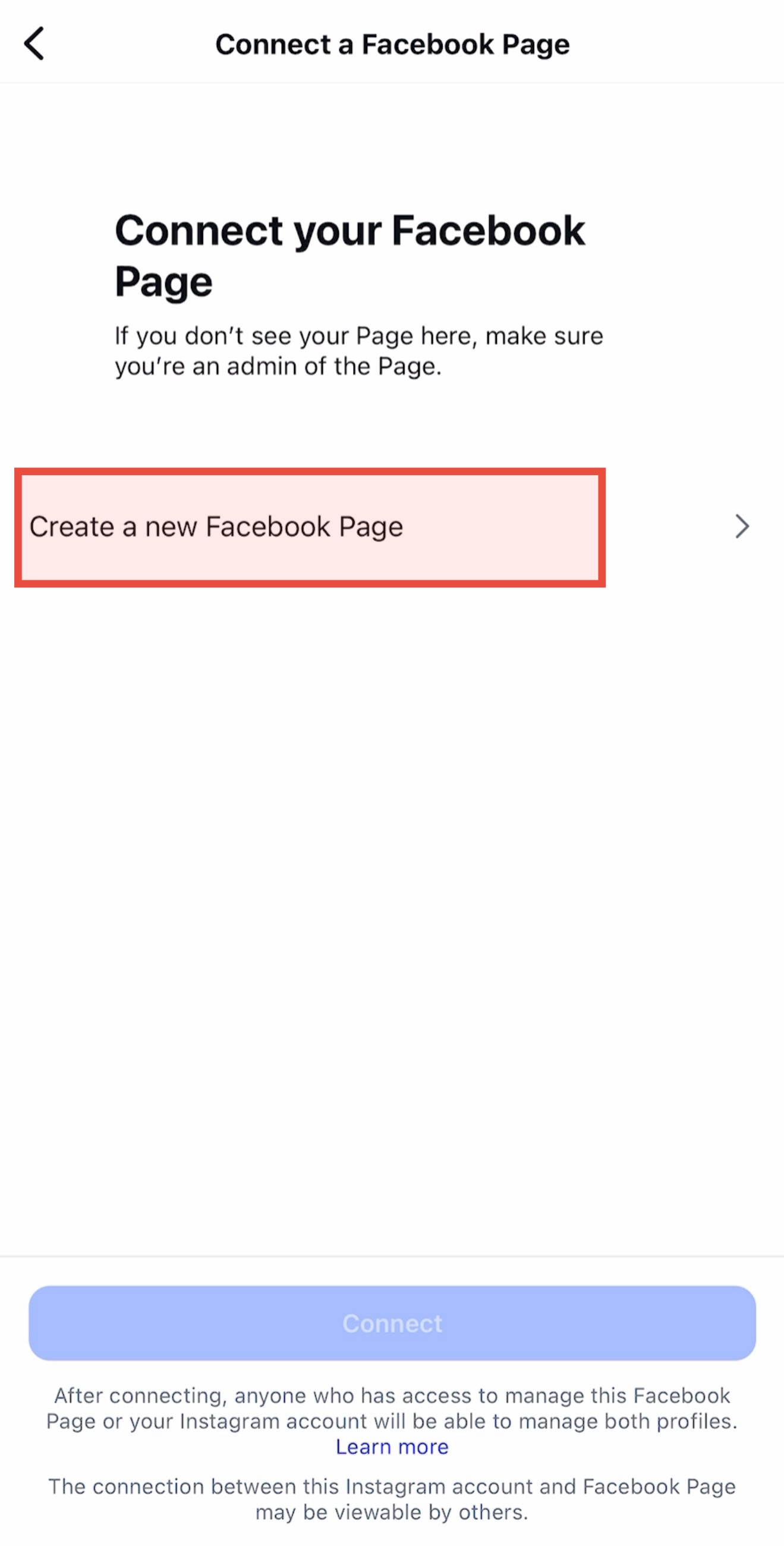
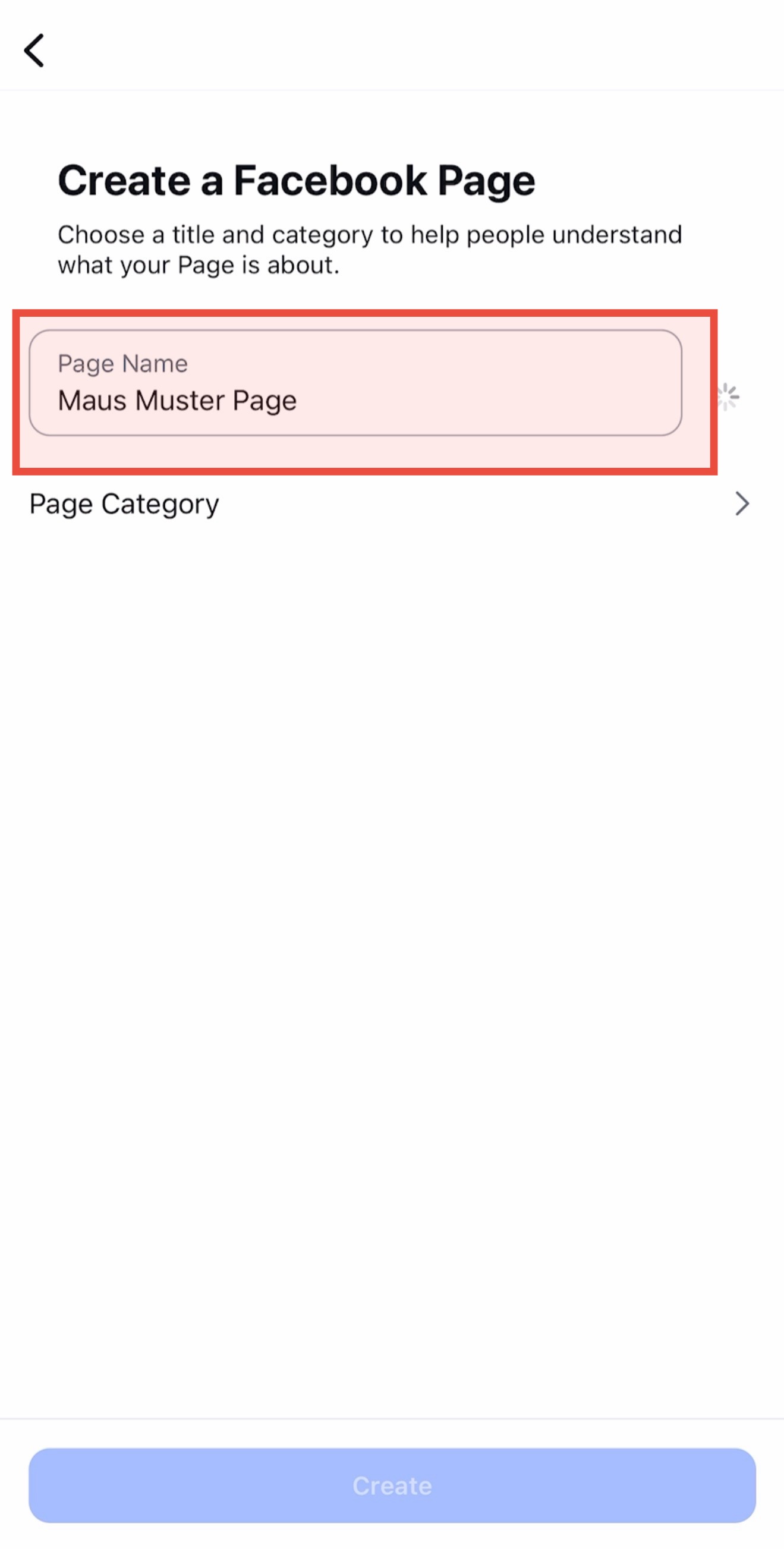
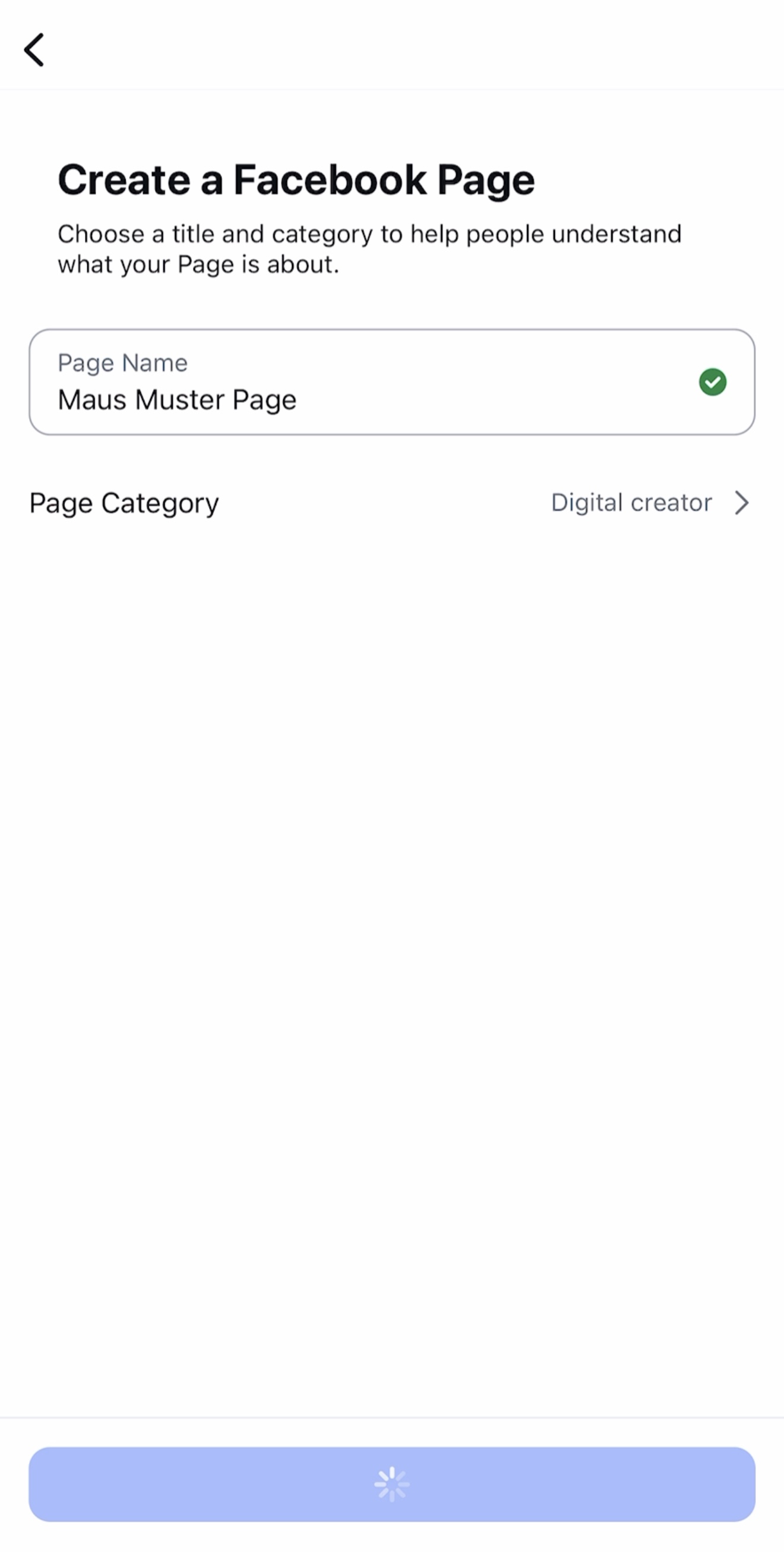
5. Follow the prompts until you created your page. Now your page is automatically connected to your instagram account
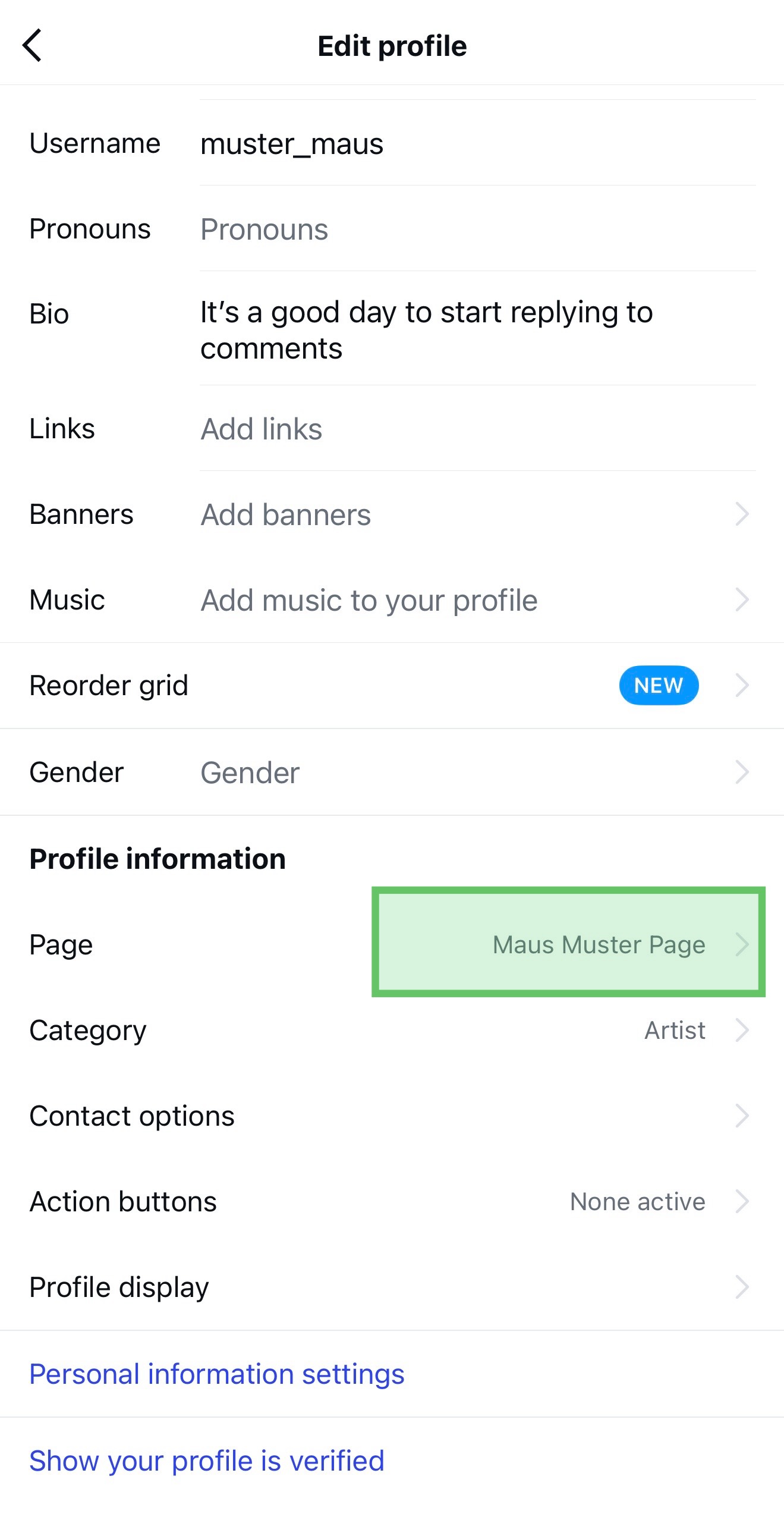
6. Check if your facebook page was created successfully. Go to “Edit Profile” again and check if your facebook page appears here, then everything worked.
Note: If your Facebook or Instagram account is brand new, Meta might temporarily restrict you from creating a Page immediately. If you encounter an error, please wait 24 hours and try the process again; it should work then.