
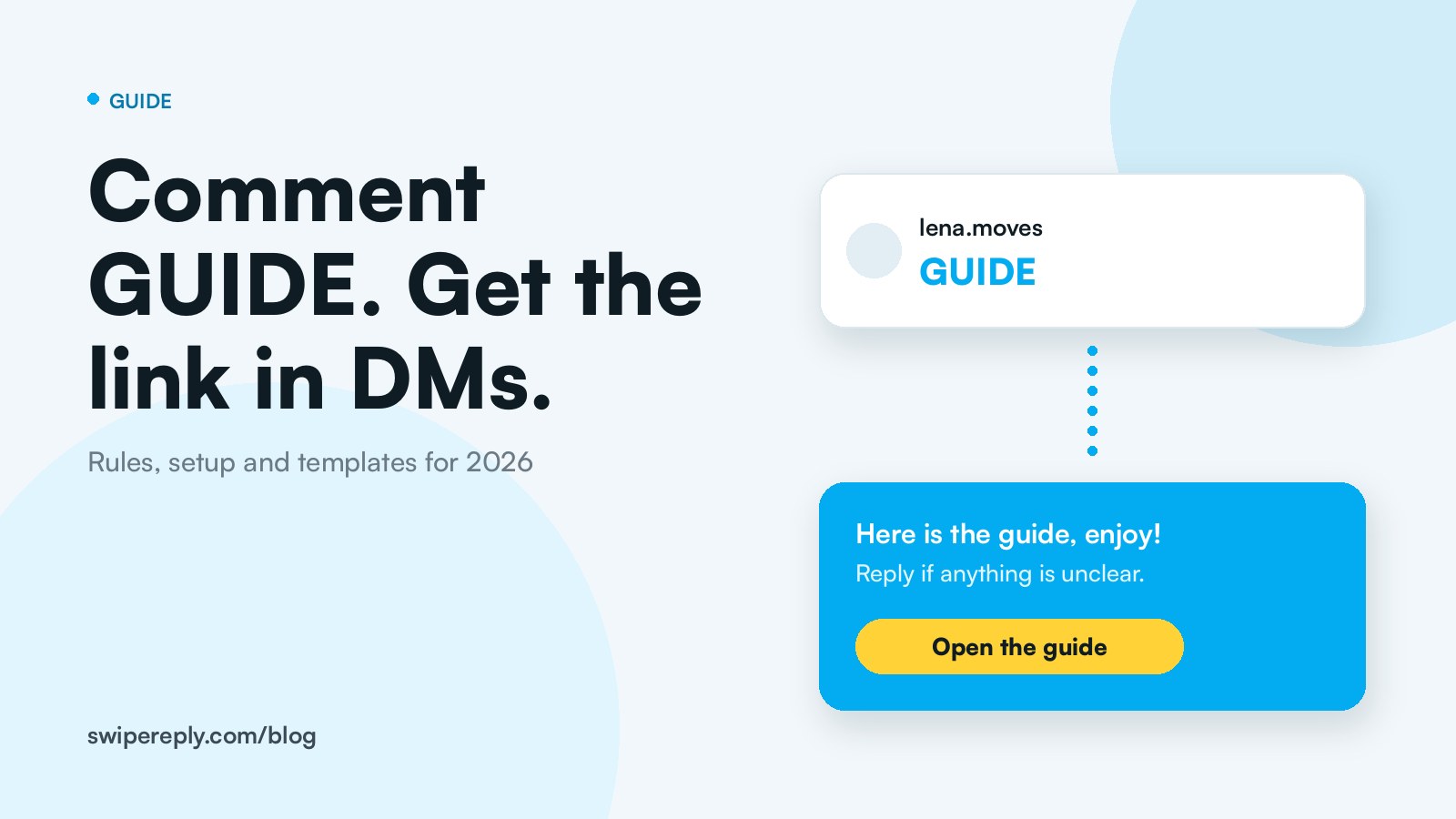
Comment to DM automation is a rule on your Instagram account: when someone comments a keyword on your post (say "GUIDE"), a tool replies publicly and sends that person a direct message with the link. You have seen it a thousand times: "Comment GUIDE and I will send it to you." This guide explains why it works, the rules Meta sets, how to set it up in ten minutes, the templates that convert, and the mistakes that get accounts restricted.
Why comment to DM works so well
Three reasons, and none of them is magic.
- Comments are a ranking signal, and every keyword comment is a comment. Instagram's head Adam Mosseri has said the signals that matter most are watch time, likes per reach and sends per reach. A post with 300 "GUIDE" comments and 300 public replies is a post with 600 interactions, and Instagram shows it to more people.
- Links in DMs get clicked. Links in captions and comments are not clickable. A button in a DM is, and it lands in the one place people actually read.
- It opens a conversation you are allowed to continue. Once the person answers your DM, you have a 24 hour window for a real conversation. That is where sales, sign ups and collaborations happen.
There is a fourth reason people underestimate: replying at all. In the 2025 Sprout Social Index, about three quarters of consumers said they expect a brand to respond within 24 hours, and 73% said they would buy from a competitor if a brand does not respond on social. A keyword automation answers within seconds, every time.
The rules Meta sets (read this before you automate)
Every serious tool runs on Meta's official Instagram API, so the same rules apply whether you use ManyChat, SwipeReply or any other platform.
- Professional account only. Comment to DM automation needs an Instagram Business or Creator account. Personal accounts cannot connect to messaging tools. Switching takes two minutes in the app under Edit profile.
- You must allow tool access to your messages. In the Instagram app: Settings, Messages and story replies, Message controls, Connected tools, Allow access to messages. If a DM never arrives, this switch is the usual reason.
- One private reply per comment, within 7 days. A comment on your own post lets a tool send exactly one private message to the commenter, and only within 7 days of the comment. No second DM unless they answer.
- The 24 hour window. When the person replies, you can message freely for 24 hours after their last message. After that, only a human agent may follow up, within 7 days and only for support. No promotional broadcasts to people who stopped talking to you.
- No password based tools. Anything that logs into Instagram with your credentials, or runs as a browser extension, is outside the API and can get your account restricted. The official API never asks for your password: you authorise the tool through Meta.
- Do not spam. Meta rate limits automated messages and watches for blocks and reports. Sending the same DM to everyone who commented anything at all, without a keyword, is the fastest way to lose the feature.
How to set up comment to DM automation in ten minutes
The steps are the same in every tool. The names below are the ones from SwipeReply Automations, because that is what we know best.
Step 1: pick the one thing you want to deliver
A guide, a discount code, a recipe, a booking link, a waitlist. One automation, one thing. If you want to deliver three things, build three automations with three keywords.
Step 2: choose the post scope
"Any post" is right for evergreen keywords like LINK or PRICE. "One post" is right for a launch or a specific reel, so the same keyword can mean something else next month.
Step 3: set the keyword
Use a single short word people will not type by accident: GUIDE, CODE, RECIPE, PLAN. Matching should ignore case, so "guide", "Guide" and "GUIDE" all count. Avoid words that appear in normal comments ("love", "yes"), or you will DM people who did not ask for anything.
Step 4: write the public reply
The public reply does two jobs: it tells the commenter to check their DMs, and it tells everyone else what to do. Keep it short and human: "Sent it to your DMs, enjoy!" beats "Check your DMs" three hundred times in a row. If your tool lets you add variations, add two or three.
Step 5: write the DM
Opening line in your voice, then the button with the link. Example: "Hey, here is the 7 day meal plan I mentioned. Tap below to grab it, and reply here if anything is unclear." A question at the end invites a reply, which opens the 24 hour window. SwipeReply splits this into an opening DM with a "Yes please" button and the delivery DM with the link: the tap counts as an answer, so the conversation is open and the link always arrives in a message the person asked for.
Step 6: decide on "followers only"
Requiring a follow before sending the link turns a viral post into followers. It also frustrates people who just wanted the thing. Our rule: followers only for high value assets and launches, open for everything else.
Step 7: test with a second account, then switch it on
Comment the keyword from another account, check the public reply, check the DM, tap the button. Then post and stop watching your phone.
Five templates that convert
The lead magnet (GUIDE)
Caption: "I put the whole routine into a free guide. Comment GUIDE and I will send it to you."
Public reply: "On its way to your DMs!"
DM: "Here is the guide. Tap below to open it. Which part are you starting with?"
The discount (CODE)
Caption: "Comment CODE for 15% off this week."
Public reply: "Sent you the code!"
DM: "Your code is SUMMER15, valid until Sunday. Tap below to shop. Any questions, just reply."
The link (LINK)
Caption: "Everything I used is linked. Comment LINK."
Public reply: "Check your DMs, all the links are there."
DM: "Here are the links from the reel. If you want a recommendation for your setup, tell me what you are working with."
The waitlist (EARLY)
Caption: "Doors open next month. Comment EARLY to get on the list before everyone else."
Public reply: "You are on the list, details in your DMs."
DM: "You are in. Here is what happens next, and the page with the early price. Reply YES if you want a reminder the day before."
The recipe or tutorial (RECIPE)
Caption: "Full recipe with quantities: comment RECIPE."
Public reply: "Recipe sent, let me know how it turns out!"
DM: "Here is the full recipe. Tap below. If you swap an ingredient, tell me, I love seeing the versions."
Seven mistakes that cost reach, replies or your account
- A keyword that appears in normal comments. "Yes" and "love" trigger DMs nobody asked for. Use an unusual word.
- No public reply. The public reply is what makes the next person comment. Without it, the thread looks dead.
- Followers only on a cold audience. New viewers bounce when they hit a follow wall for a small asset.
- A DM that is only a link. No greeting, no question, no reason to reply. You lose the 24 hour window before it starts.
- Broadcasting later. Messaging everyone who once commented, weeks later, is outside the window and against the rules.
- Ignoring the other comments. A post with 300 "GUIDE" comments also has 80 real questions. If those stay unanswered, you have traded community for a mailing list. This is what Auto Reply is for, and our playbook for replying to every comment covers the routine.
- Never checking the flow again. Links die, offers end. Put a monthly reminder in your calendar to comment your own keywords.
What to measure
Four numbers tell you if it works: keyword comments per post, DMs delivered, button clicks (use a link with a UTM parameter), and replies to your DM. If comments are high and clicks are low, the DM copy is the problem. If clicks are high and nothing converts, the landing page is. If nobody replies to the DM, you did not ask a question.
Comment to DM in SwipeReply
An Automation in SwipeReply is a name, a post scope, a keyword, a public reply, an optional followers only switch, an opening DM with a "Yes please" button and the delivery DM with your link. It runs on the official Instagram API, and it is included on the free plan alongside Reply Drafts and Auto Reply, so the rest of the comment section gets answered too. Connect your account, it is free and there is no card to enter.
Frequently asked questions
Is comment to DM automation allowed on Instagram?
Yes, through Meta's official Instagram API with a Business or Creator account. Tools that use your login instead of the API are not allowed and risk your account.
Why did my DM not send?
The usual causes: the account is not a Professional account, "Allow access to messages" is off in the Instagram app, the comment is older than 7 days, or the commenter has message requests restricted. Comment from a second account to test.
Can I send a second DM if they do not reply?
No. A comment allows one private reply. Follow ups are only possible after the person answers, inside the 24 hour window, or by a human agent within 7 days for support.
Does comment to DM automation hurt reach?
Not by itself. Keyword comments count as comments. What hurts is a thread full of identical bot replies and unanswered real questions, which is why the public reply should vary and the rest of the comments should be answered.
Which keyword works best?
One short, unusual, capitalised word that names the thing: GUIDE, CODE, RECIPE, PLAN. Say it in the caption and in the video.