
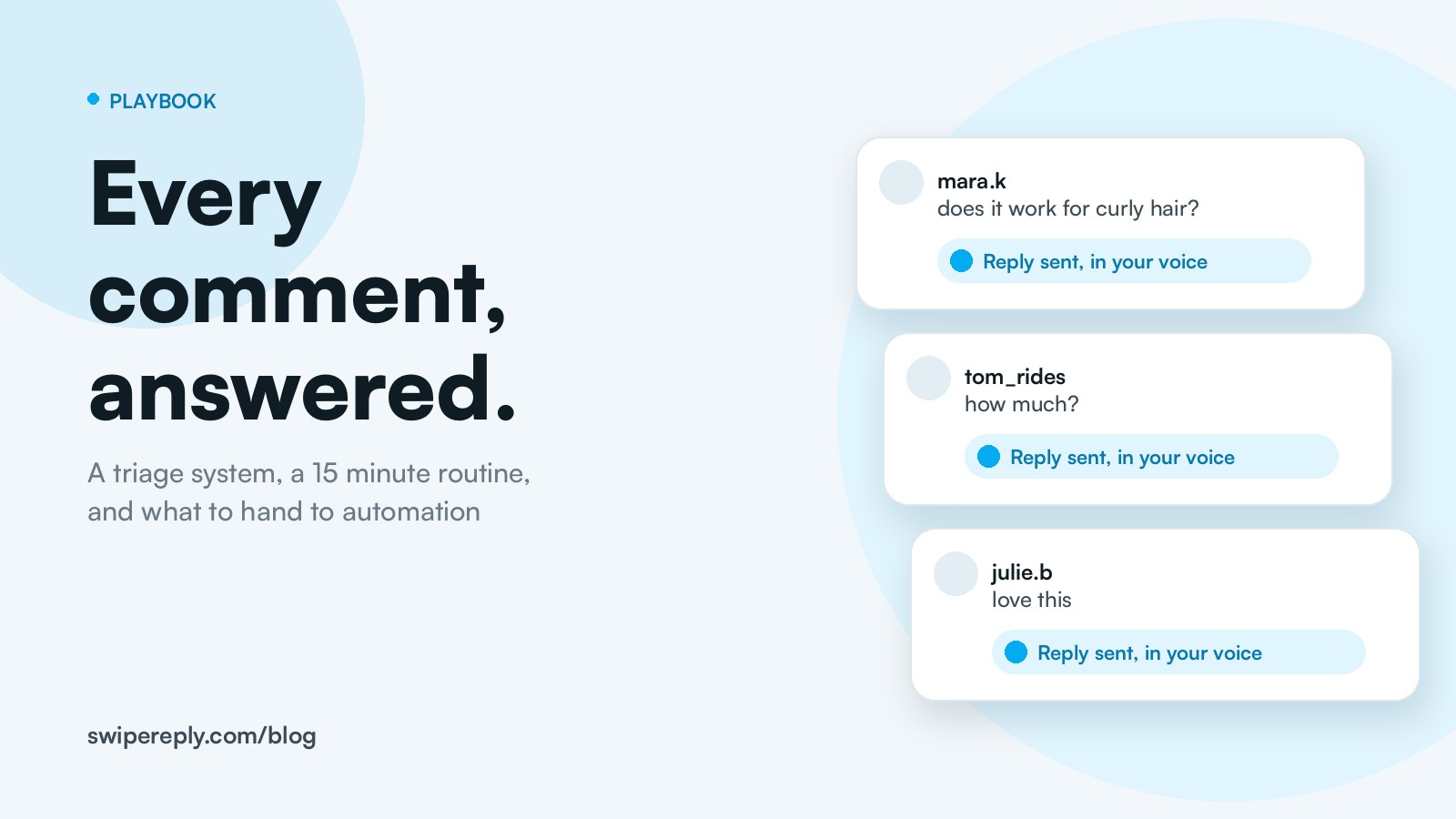
Yes, you should reply to every comment on Instagram. Not because a guru said so, but because a reply is the cheapest interaction you can create, it keeps threads alive, and the people who comment are the ones who buy, share and defend you. The problem was never whether, it was how, once the numbers get big. This is the system we use and recommend: a five bucket triage, reply rules that do not sound canned, a 15 minute daily routine, and a clear line for what to hand to automation.
Why replying to comments matters more than posting more
- People expect it, fast. In the 2025 Sprout Social Index, about three quarters of consumers said they expect a response within 24 hours, and 73% said they would buy from a competitor if a brand does not respond on social. Meanwhile the average brand's daily response rate to social messages and comments slipped from 8% to 7% between 2023 and 2024. Answering is a competitive advantage because almost nobody does it.
- Replies create interactions, and interactions create reach. Adam Mosseri has said the signals that matter most on Instagram are watch time, likes per reach and sends per reach. Every reply you write is an invitation to the next comment, the next like, the next send. A thread with 40 comments and 40 replies looks alive to the person scrolling past, and to the ranking system.
- Replies keep followers. The number we use across SwipeReply: a commenter you reply to is 94% less likely to ever unfollow. Whatever the exact figure is on your account, the direction is not in doubt.
- Comments are where the money is. "Does this come in black?", "Do you ship to Canada?", "How much?". Every one of these is a sale waiting for an answer, in public, where fifty other people read it.
The five bucket triage
You cannot reply to 400 comments with the same energy. Sort first, then reply by bucket. Almost every comment falls into one of five:
- Praise and emoji. "Love this", "🔥🔥", "so true". Deserves a reply, does not deserve a paragraph. Warm, short, specific if you can.
- Questions. About the post, the product, the process. The most valuable bucket. Answer completely, in public, because the answer serves everyone reading.
- Price and availability. "How much?", "Link?", "Still available?". Answer with the fact and the next step. This bucket converts.
- Complaints and disagreement. Slow, careful, human. Acknowledge, take responsibility where it is yours, move the details to DMs. Never automate this bucket.
- Spam and collab pitches. "DM us for promotion", crypto bots, "check my page". Delete or ignore. A reply feeds them.
Seven reply rules that do not sound canned
- Use one detail from their comment. "Glad the curly hair tip helped!" beats "Thank you!". One detail is the difference between a reply and a receipt.
- Answer the question first, then add. Lead with the fact. Context second. Nobody should read three lines to find the price.
- Write like you talk in the caption. If your captions are lowercase and playful, your replies are too. If they are precise and calm, same thing. Consistency is what "in your voice" means.
- Ask something back, sometimes. Not every reply, but a question on the questions doubles the thread length: "Which size are you between?".
- Do not thank everyone with the same words. Ten identical "Thank you so much!" replies in a row look like a bot, even when a human typed them.
- Move friction to DMs, keep answers public. Order problems and refunds go private. Product questions stay public: they are content.
- Reply within the day. A reply on day three is a courtesy. A reply within the hour is a conversation.
The 15 minute daily routine
This works up to a few hundred comments a day. Beyond that, jump to the automation section.
- Minute 0 to 3: complaints. Search for the angry ones first. They are few and they matter most. Answer, then move them to DMs.
- Minute 3 to 8: questions and prices. Public, complete answers. Keep a note of questions you answer twice, that is next week's content.
- Minute 8 to 13: praise. Fast, warm, varied. Use the person's name or the detail they mentioned.
- Minute 13 to 15: spam. Delete, restrict repeat offenders, done.
Do it once in the morning and once in the evening. Two short passes beat one long one, because comments arrive in waves after you post.
When to automate, and what
There are three kinds of automation and they are not interchangeable.
Keyword bots
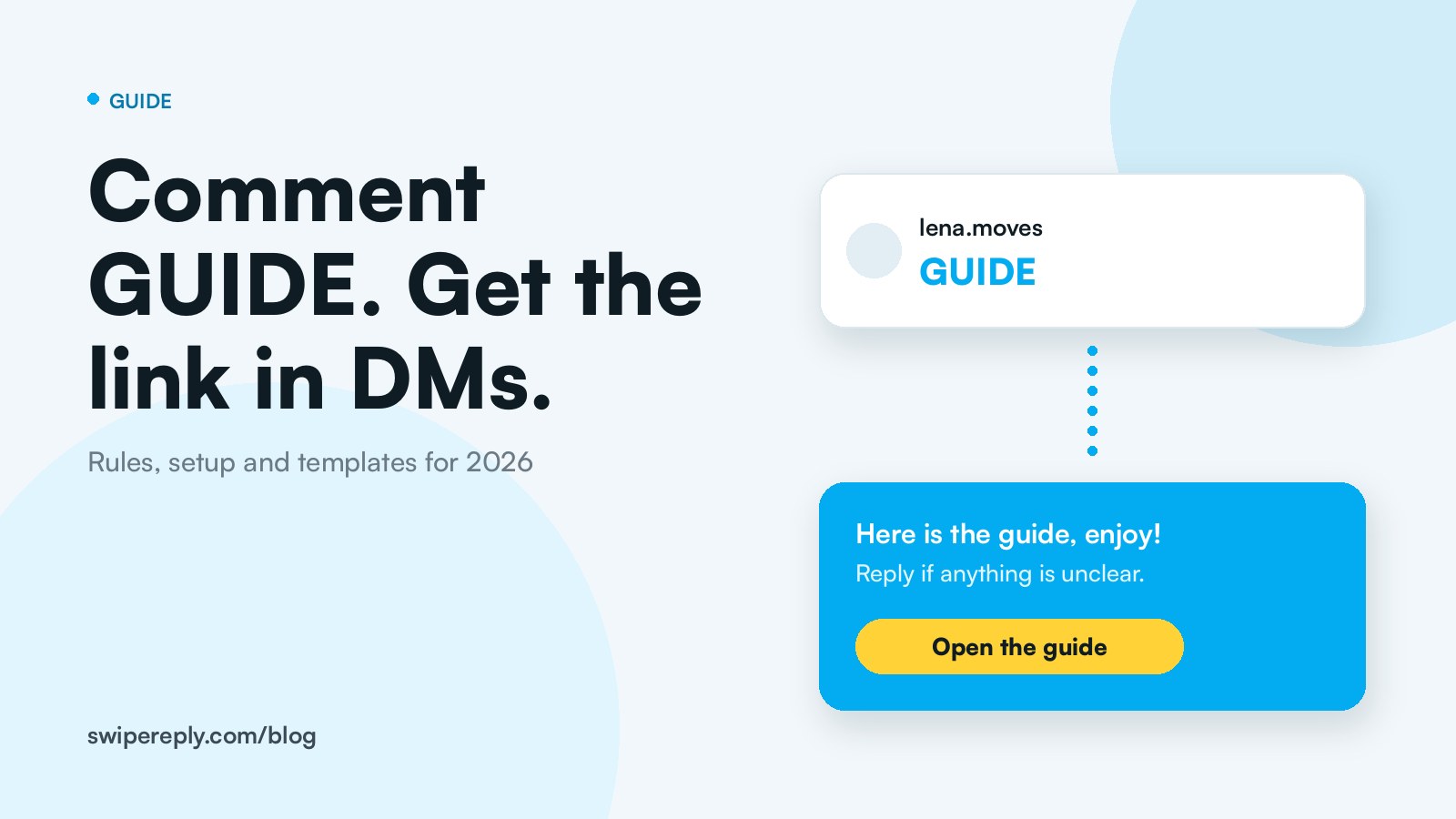
A rule: comment "GUIDE", get a DM. Great for delivering one thing to many people (we wrote a full guide to comment to DM automation). Useless for the other 200 comments, because a keyword bot only knows the keyword.
AI drafts you approve
The tool reads the post, the reel and the comment, and writes a reply in your voice. You approve, edit or reject each one. This is the right first step if you have ever been burned by a bot: nothing goes out without you. In SwipeReply this is Reply Drafts, and on average 96% of drafts go out without a single edit.
Auto reply by category
Once you trust the drafts, switch on automatic replies for the buckets that are safe: praise, emoji, prices, simple questions. Complaints, refunds and collab requests still wait for you. This is Auto Reply, and it is how a solo creator keeps up with a reel that gets 3,000 comments.
The line we recommend: automate buckets one to three, keep bucket four human, delete bucket five. And whatever you automate, it must run on the official Instagram API, never on your password.
Reply templates by bucket (adapt, do not paste)
Templates are a starting voice, not a script. Change a word in every one.
- Praise: "That made my morning, thank you [name]!" / "Glad the [detail] landed!"
- Question: "[Answer in one line]. If you want, tell me [follow up] and I will point you to the right one."
- Price: "It is [price], link is in the bio under [tab]. Ships [where] in [time]."
- Availability: "Back in stock [date]. Comment RESTOCK and I will DM you the second it is live."
- Complaint: "That is not what should have happened, and I am sorry. I have sent you a DM so we can fix it today."
- Disagreement: "Fair point. I see it differently because [reason], but I appreciate you saying it here."
How SwipeReply does it
SwipeReply connects to your Instagram Professional account through the official API and drafts a reply to every comment and DM using your caption, your reel transcript, the thread, your past replies and your own knowledge base. You swipe right to approve, left to reject, or switch on Auto Reply per category. Corrections go into memory: tell it once that your product is called the Daily Kit, and every future draft knows. The free plan includes every feature with 100 replies a month, no credit card. Connect your account and read your first drafts in your own voice within minutes.
Frequently asked questions
Should I reply to every comment on Instagram?
Yes, except spam. Replies are the cheapest interactions you can create, they keep threads alive, and the people who comment are the ones most likely to buy and share. If the volume is too high to do by hand, automate the safe buckets and keep complaints human.
Does replying to comments help the Instagram algorithm?
Replies do not have a magic weight of their own, but they create the interactions Instagram does rank on: more comments, more likes and more sends on a thread that stays alive. They also keep followers who would otherwise drift.
How fast should I reply?
Within the day at the latest. Most consumers expect a response within 24 hours, and the first hour after posting is when a reply is most likely to be seen and answered.
Is it OK to use AI to reply to Instagram comments?
Yes, if the replies are specific to the comment and sound like you, and if the tool runs on the official Instagram API. In a Q4 2025 Sprout Social survey, 69% of consumers said they are comfortable with brands using AI to deliver faster care. What people dislike is a canned line, not a fast one.
What should I never automate?
Complaints, refunds, legal or medical questions, and anything where a wrong answer costs money or trust. Those wait for a human, in every tool.